

No. Send your artwork the right way round, exactly as it should read on the garment. For textile DTF our RIP reverses the file when it goes to print. For UV DTF and 3D patches nothing is reversed at any point. Either way, the flip is our job, not yours.
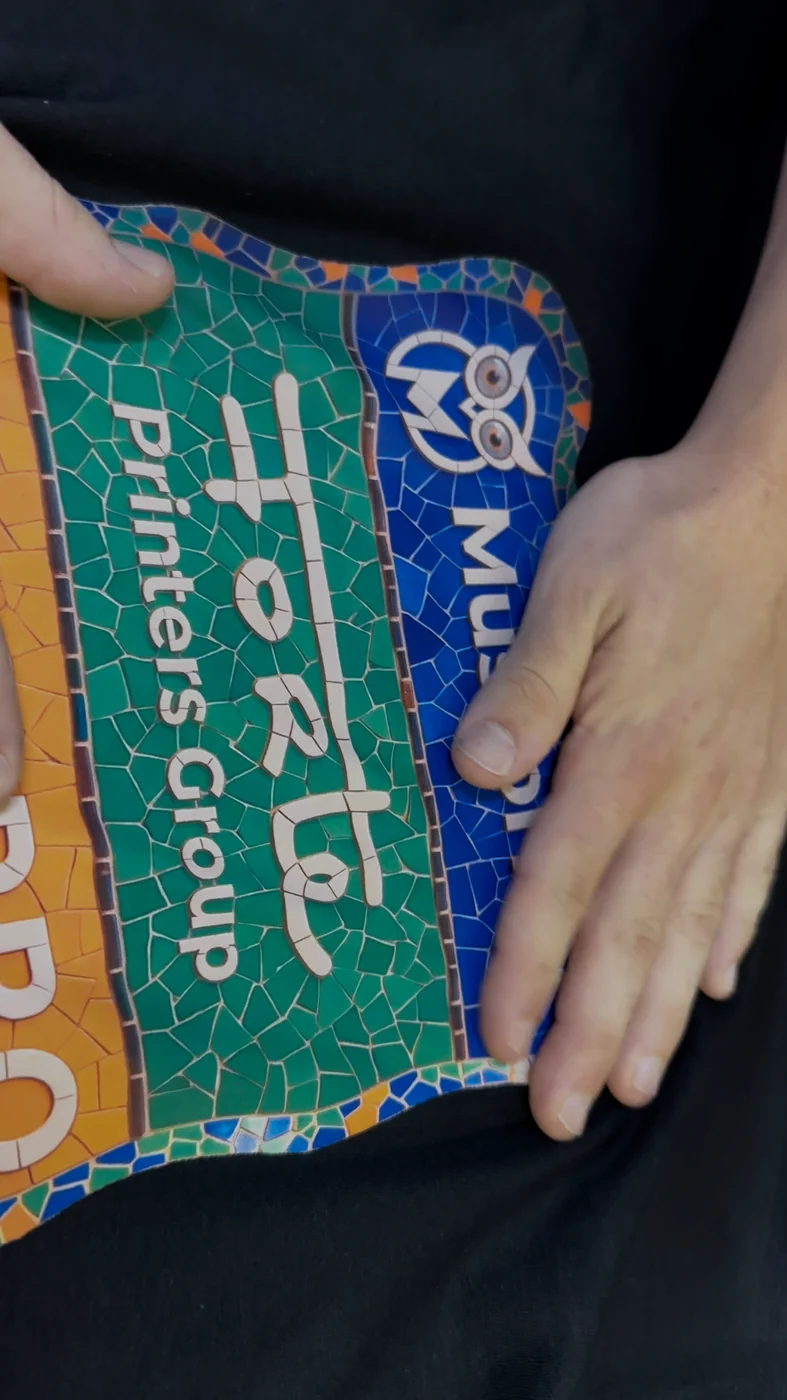
Which techniques are mirrored, and by whom
The confusion is worth clearing up in one place, because the answer is not the same for everything we print.
| Technique | Is the file reversed? | Who does it | What you upload |
|---|---|---|---|
| DTF Textile (by the metre, auto-imposition or cut) | Yes, on the film | We do, in the RIP | The right way round |
| DTF UV, for rigid surfaces | No, never | Nobody | The right way round |
| 3D silicone patches | No, never | Nobody | The right way round |
| Sublimation | Yes, at the RIP stage | We do | The right way round |
Why the printed film looks reversed
A textile DTF transfer is printed onto film and then pressed face down onto the fabric. For the design to read correctly on the garment, it has to sit reversed on the film first. That reversal is applied by the RIP after you upload, on our side, on every order.
So a roll that looks backwards in your hands is the roll working as intended. The film is an intermediate step, not the finished piece. If a roll arrives reading the right way round, that is the one worth stopping.

Why so many people mirror it anyway
Almost everyone who asks has come from cutting vinyl. There, mirroring is not a preference: you cut the material face down, so the artwork has to be reversed or the garment reads backwards. Years of doing it correctly build a habit that is hard to switch off.
It is a good instinct applied to the wrong process. In DTF the reversal already happens further down the line, so the habit stops being a safeguard and becomes the error.
What happens if you mirror it yourself
It gets reversed twice. Once by you, once by our RIP. The transfer prints the right way round on the film, which is wrong, and comes out backwards on the garment.
What makes this expensive is how late it shows up. The file looks correct on screen. The roll looks correct too, because a reversed roll is exactly what you expect to see. Nobody notices until a piece is pressed, and at that point the garment is finished and the film is spent.
Symmetrical logos survive a double flip without anyone noticing. Names, numbers, slogans and any lettering do not, and those are usually the personalised jobs that cannot be reused on another order.
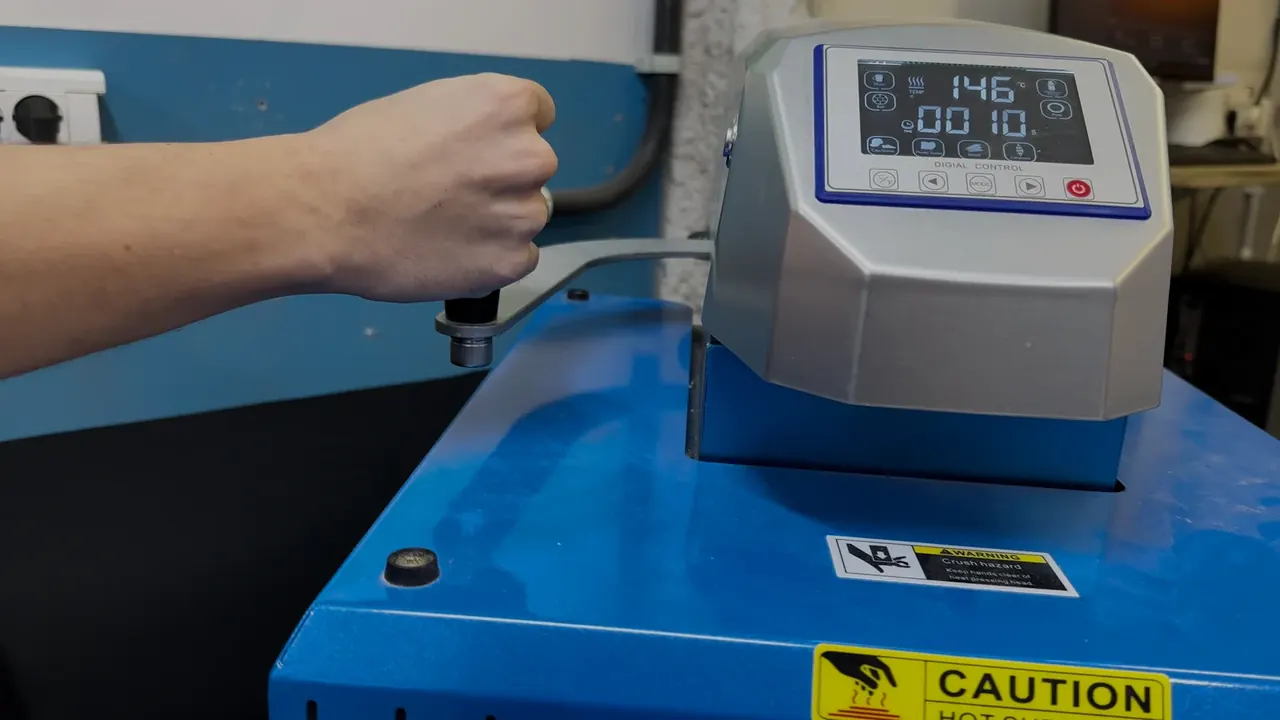
Who checks the file: you or us
There are three honest ways to get this right, depending on how much of the pre-press you want to keep in-house.
You check it yourself before exporting
Open the exported file and read it. Text in its normal reading direction, logos as they appear on the garment, and no layer left flipped from an earlier version. It takes seconds and it catches the problem while it still costs nothing. The rest of the export brief has not changed: PNG with a transparent background, prepared at the size the design needs on the garment, and Adobe RGB (1998) with the profile embedded.
While the file is open, zoom in on an edge too: semi-transparent pixels are the other problem a quick look catches before it reaches the garment.
You prepare the file in Mussoltex
If your artwork needs work before it is printable, Mussoltex handles background removal, vectorising, resolution and layout, and gives the file back ready to upload. It is built for exactly this stage of the job.
You upload the designs and we build the sheet
With our free auto-imposition service you upload the designs separately and the system arranges them within the roll width. It places the files as supplied. It does not flip them, and it does not need you to. If you would rather build the sheet yourself, the guide to DTF gang sheets covers layout, spacing and export.
Where to order DTF transfers ready to press
Once the file reads correctly, the rest is production. DTF Textile 55 cm by the linear metre is the standard choice for garment work, with volume tiers published on the B2B pricing page and no minimum order. For rigid surfaces, DTF UV; for badges with relief, 3D silicone patches.
If you want to check film, finish and application before committing to a larger run, the 5 EUR B2B sample pack is the practical way in.
Frequently asked questions about mirroring in DTF
Do I need to mirror my design for DTF?
No. Upload it the right way round, exactly as it should read on the garment. For textile DTF the reversal is applied by our RIP when the file goes to print, so it is handled on our side on every order.
Why does my printed DTF roll look backwards?
Because it should. The film is pressed face down onto the fabric, so the image sits reversed on the film and reads correctly once transferred. A roll that reads the right way round in your hands is the one to question.
I mirrored my file by mistake. Can it be fixed?
Not once the transfer has been pressed onto the garment. Before pressing, the roll is already printed, so the file has to be corrected and reprinted. Reading the text on the exported file before uploading is what prevents it.
Does the same rule apply to UV DTF and 3D patches?
No. UV DTF and 3D silicone patches are not pressed face down onto fabric, so nothing is reversed at any stage. They print the right way round and are applied as they are.
I come from cutting vinyl and always mirror. Should I stop?
For DTF, yes. In cut vinyl you work face down and mirroring is required. In DTF the reversal is part of our print preparation, so applying it yourself reverses the design twice and it comes out backwards on the garment.
How should I send the file so nothing goes wrong?
PNG with a transparent background, prepared at the size the design needs on the garment, Adobe RGB (1998) with the profile embedded, and text reading in its normal direction. Send it the way it should look on the finished piece, whatever the technique.
