

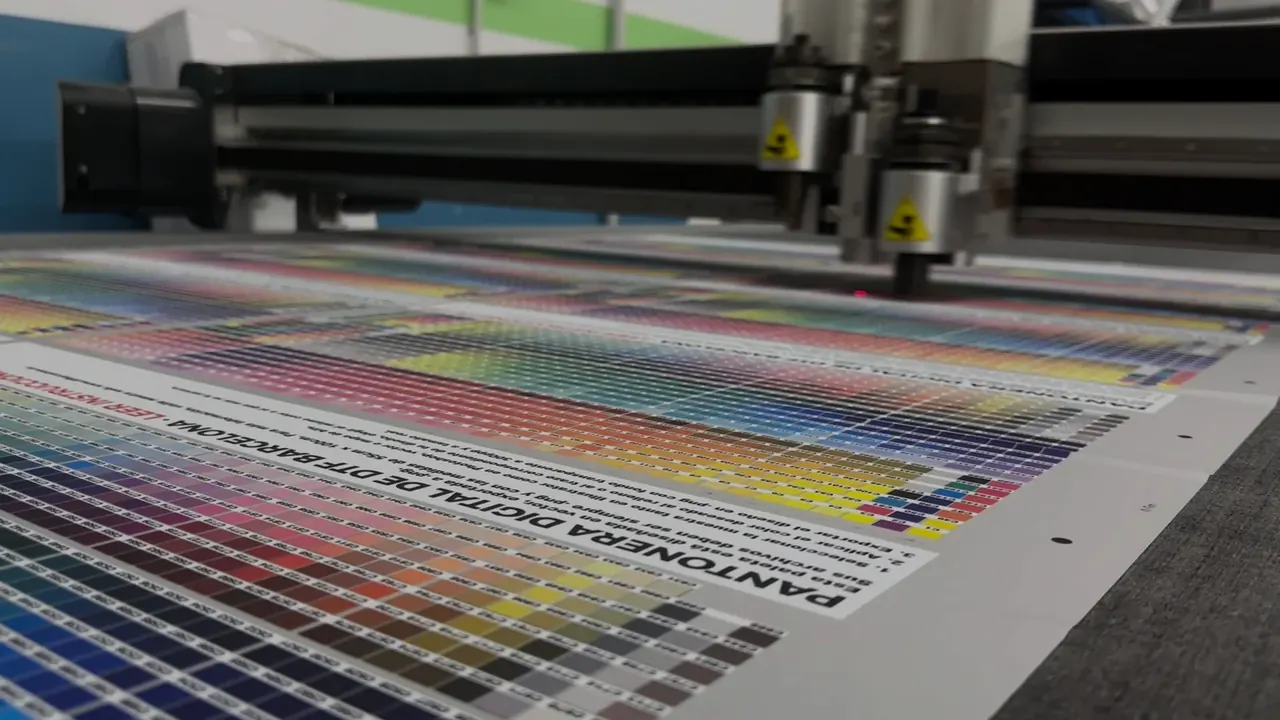
A DTF gang sheet places several transfer designs on one printable sheet or roll area. Instead of ordering every logo, name or graphic as a separate job, you combine them into an efficient layout. The aim is simple: use the available width well, keep every design production ready and order only the linear metres the job requires.
One metre can contain different artwork, quantities and finished sizes. This suits mixed customer orders, workwear logos, sports numbers, neck labels and short production runs.
There are two practical ways to order DTF gang sheets in Europe. Supply your own completed layout, or upload separate designs and let our free auto-imposition system build the layout. Professional cutting is also available when your team wants individual transfers ready for the heat press.
What is a DTF gang sheet?
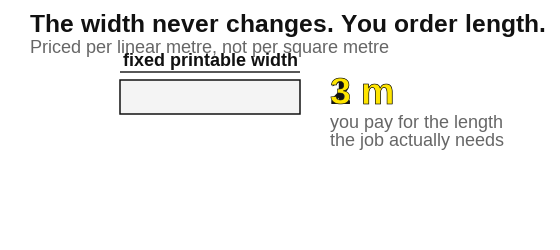
A gang sheet is a production layout containing multiple graphics within a fixed print width. In roll production, the width stays fixed while the ordered length changes. This is why we price DTF gang sheets by the linear metre, not by the square metre or by the individual logo.
A good gang sheet is an imposed production file. Each element needs sufficient resolution, a transparent background and enough separation for handling or cutting. The layout should minimise unused areas without making transfers difficult to separate.
Our standard 55 cm DTF transfers by the linear metre start from 8.45 EUR per metre excluding VAT at the highest volume tier. All tiers are published on the B2B DTF pricing page, without a login. There is no minimum order.
Choose the right gang sheet size
55 cm rolls for standard garment production
The 55 cm format covers most everyday apparel applications. It works well for chest logos, back prints, sleeves, labels and mixed runs. The printable width is fixed, so the key purchasing unit is length. Order the linear metres required by the completed layout.
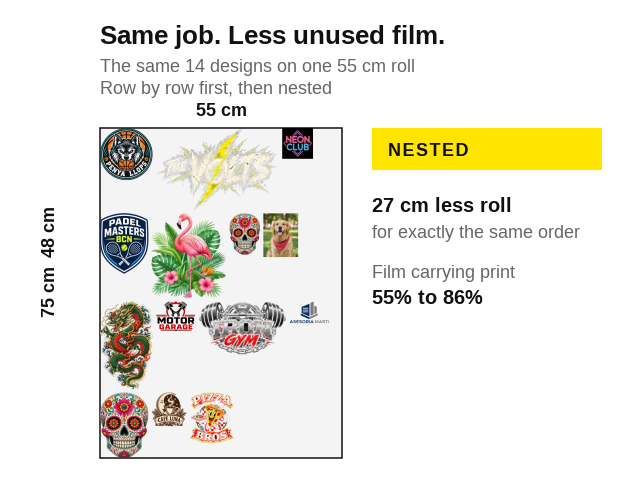
Before building the file, compare the largest design with the available width. Rotate artwork only when orientation does not affect its intended use or finishing sequence. Smaller graphics can often fill the spaces beside larger back prints. This nesting is where a well-built gang sheet improves material use.
115 cm for larger artwork and higher capacity layouts
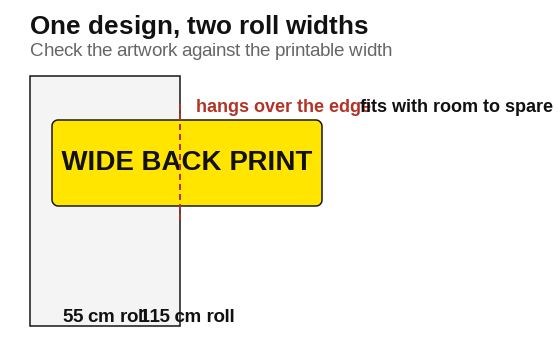
Some graphics are too wide for the standard roll, or a wider layout may suit a high-volume job. Our 115 cm large format DTF option provides more width for oversized transfers and broader nesting. Check the finished artwork dimensions before choosing the format.
How to build a DTF gang sheet correctly
1. Prepare each design at its final print size
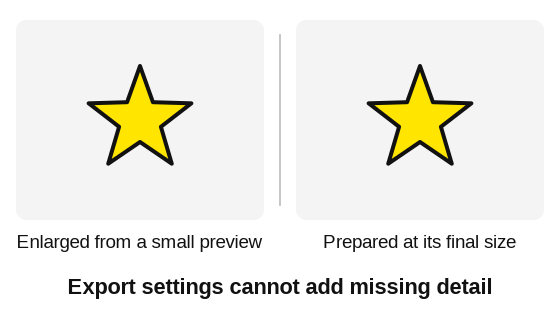
Set every graphic to the dimensions required on the garment. Do not scale a small raster preview up inside the gang sheet. Enlarging low-resolution artwork does not create missing detail. It produces softer edges and visible pixelation in print.
Supply PNG files at 300 DPI with a transparent background. Remove unwanted background pixels and check the outer edges at high zoom. Fine debris that is almost invisible on screen can become a printed mark, and soft edges left by glows or shadows print white and rough: here is how to find and fix semi-transparent pixels. Avoid screenshots, compressed messaging app images and artwork copied from a website.
2. Nest designs around the fixed roll width
Start with the largest graphics. Place them within the available width, then use smaller designs to occupy suitable gaps. Repeat items in the quantities needed and confirm that no element crosses the canvas boundary. Good nesting reduces unused film and helps you optimise the number of linear metres ordered.
Keep a clear separation between designs. The appropriate gap depends on whether the roll will be cut by hand, with production equipment or supplied through our cutting service. Crowding graphics edge to edge may look efficient on screen, but it can slow separation and increase the risk of cutting into a neighbouring transfer.
3. Use orientation deliberately
Rotation can unlock space around irregular graphics. Keep sets together where that helps operators, and use a consistent order for sizes or garment positions. A dense layout that creates confusion at the press is not fully optimised.
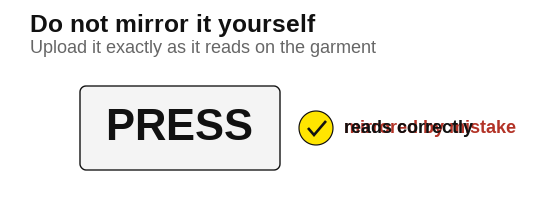
Text and logos should appear in their normal reading direction in the uploaded print file. Never mirror the artwork yourself: our RIP reverses textile DTF at the printing stage, and UV DTF and 3D patches are not reversed at all. The full explanation, and what happens when a file is mirrored twice, is in our guide to mirroring in DTF. Review the complete sheet at full size before export, including repeated names, numbers and language variants.
4. Export a clean production file
Export at 300 DPI as a PNG with transparency. Preserve the final physical dimensions. Open the exported file again and verify its size, edge quality and transparent areas. This last check catches accidental white backgrounds, clipped artwork and export settings that changed the resolution.
Our transfers are produced on our own DTF film with a hot peel workflow. Keep those production details in your internal job instructions so operators know which stock and application process they are handling.
Common gang sheet mistakes that increase cost
Prebuilt sheets made from low-resolution previews
A frequent error is downloading small previews, assembling them into one large canvas and exporting that canvas at 300 DPI. The file may report the correct DPI, but the source graphics still lack detail. Resolution must be present in each original design at its final size. Changing only the export setting cannot repair weak artwork.
Large empty gaps and inefficient rows
Regular rows often leave unused space around non-rectangular designs. Use mixed sizes and sensible rotation. Check whether changing the order of elements reduces the total length. Because pricing is per linear metre, excess blank length directly affects the order value.
No working space between transfers
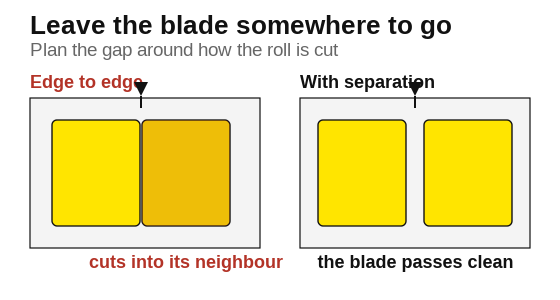
Removing every gap can make manual separation slow and unreliable. Operators need room to cut without touching the printed area. Plan spacing around the finishing method, not just the print area. If the transfers will be distributed across workstations or packed into kits, individual cutting may be more efficient than supplying a continuous roll.
Duplicate, missing or incorrectly sized designs
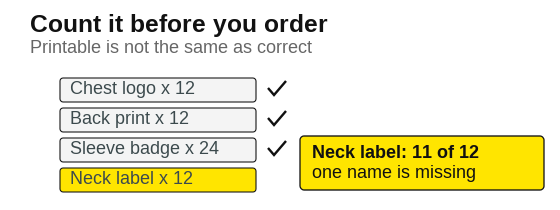
A dense layout is difficult to audit visually. Compare the gang sheet against the production list before ordering. Count repeated designs, verify each size and check personalised items one by one. A technically printable file can still be wrong for the job if one employee name is missing or one logo has been scaled inconsistently.
Free auto-imposition: upload separate designs
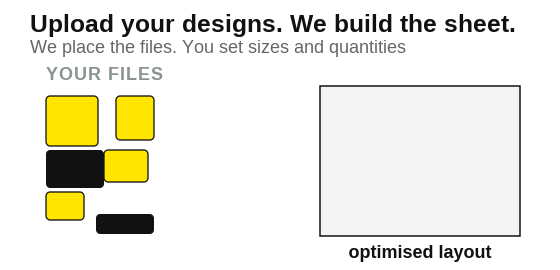
You do not need to build the gang sheet yourself. With our free 55 cm auto-imposition service, you upload separate production-ready designs and specify the required sizes and quantities. The system creates an optimised sheet within the roll width.
This route removes repetitive work from your pre-press team. It suits mixed orders, frequent short runs and jobs with many repeated sizes. Supply clean 300 DPI PNG files with transparent backgrounds and correct final dimensions. Auto-imposition handles placement, not artwork reconstruction.
If your own workflow already generates imposed rolls, order DTF Textile 55 cm by the metre and upload the completed file. Both routes feed into our own European production, with 24-hour production and express delivery across the EU-27 in 24 to 72 hours. Production uses OEKO-TEX ECO PASSPORT inks. Switzerland, Norway and Iceland are available by quotation. The UK is not served.
Optional professional cutting
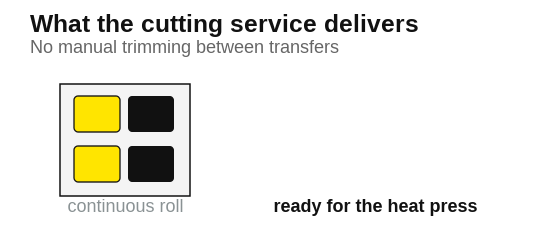
A printed gang sheet still has to be separated into usable transfers. If your operators would otherwise cut rolls manually, our DTF transfer cutting service supplies pieces ready for the heat press. Professional cutting removes the manual trimming between transfers. It also makes job sorting, internal distribution and packing more predictable.
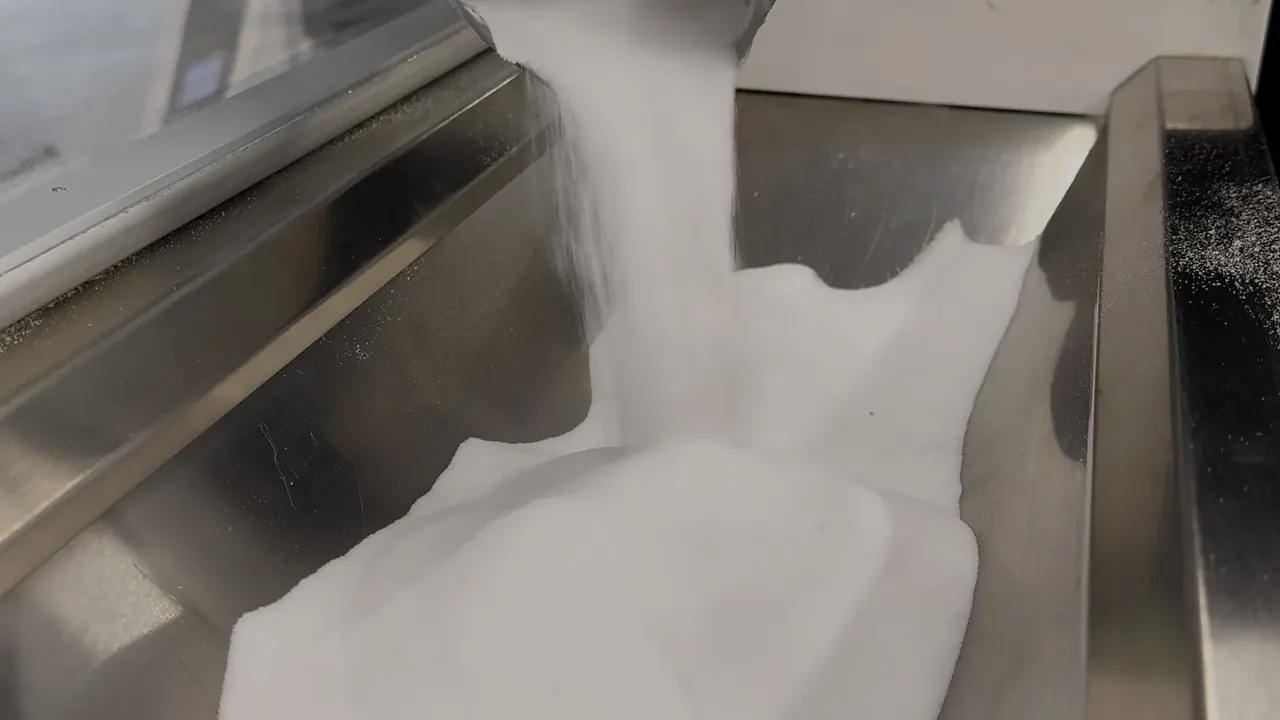
Cutting is optional. It suits teams that prioritise handling speed or kit preparation. Businesses with an efficient cutting station may prefer an uncut roll. Either way, the sheet or the roll then has to be kept flat, dry and wound powder facing in until it reaches the press.
Production options for specialist work
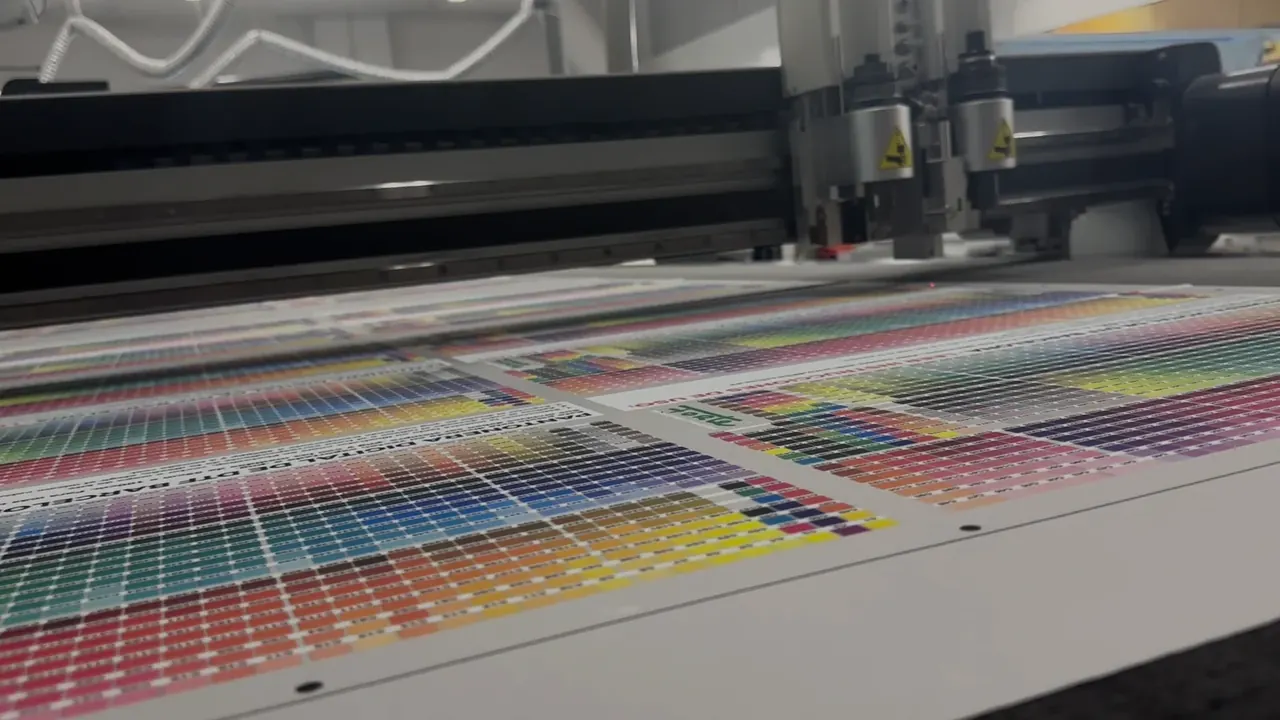
Standard DTF Textile is the direct choice for most gang sheet orders. For work that benefits from an extended gamut, review Nano Pro Max in 55 cm and RGBO Octachrome with eight colours. These options give you a wider gamut and eight-colour printing for demanding artwork. They do not replace correct artwork preparation or physical sampling.
If you want to assess film, finish and application before a larger order, the 5 EUR B2B DTF sample pack provides a practical starting point.
Which DTF gang sheet workflow fits your team?
| Workflow | Who builds the layout | Cost | Your team’s time |
|---|---|---|---|
| Build it yourself | Your pre-press team | Linear metres ordered, with no layout service charge | Highest, including nesting, checks and export |
| Free auto-imposition | Our automated system, using your separate files | Free imposition, plus the linear metres ordered | Low, focused on artwork, sizes and quantities |
| With professional cutting | Your team or auto-imposition, then our cutting workflow | Linear metres plus the optional cutting service | Lowest finishing time, pieces arrive ready to press |
For the fastest route from separate designs to an efficient roll, start with free DTF gang sheet auto-imposition. To plan recurring volume, compare the public B2B prices per linear metre and select the tier that matches your production.
Frequently asked questions about DTF gang sheets
What is a DTF gang sheet?
A DTF gang sheet is one production layout containing several transfer designs. It can combine repeated logos, different sizes, names, numbers and unrelated graphics within a fixed roll width. The layout is priced by the linear metre. Efficient nesting uses the available width while leaving enough space to separate each transfer safely.
What file format should I use for a DTF gang sheet?
Supply a PNG at 300 DPI with a transparent background and the correct final physical dimensions. Check that every source graphic has enough resolution before placing it on the sheet. A large canvas exported at 300 DPI will not improve small or compressed source images. Review edges, transparency, quantities and sizes before upload.
Do I have to build the gang sheet myself?
No. You can upload a completed layout and order the required linear metres, or upload separate designs through our free auto-imposition option. The system places the supplied files into an optimised 55 cm layout. You still control the artwork, final sizes and quantities, while the system handles the repetitive nesting work.
Can DTF gang sheets be supplied already cut?
Yes. Professional cutting is available as an optional service. It separates the printed layout into individual transfers ready for the heat press, removing the manual trimming between pieces. This can reduce finishing time for busy production teams, simplify sorting and make it easier to distribute transfers across several operators or garment kits.
How are DTF gang sheets priced in Europe?
Once the sheet is built, the rest of the order is a short set of decisions: how many metres to enter, which format to pick and what to send. We walk through all of it in ordering DTF transfers by the linear metre.
DTF gang sheets are priced per linear metre, with volume tiers published online and no login required. Standard 55 cm DTF Textile starts from 8.45 EUR per metre excluding VAT at the highest volume tier, with no minimum order. Auto-imposition is free. Optional professional cutting is an additional service. Choose the length and workflow that fit the actual production job.